![Logomark.png]](https://help.congenius.com/hs-fs/hubfs/Logomark.png?height=40&name=Logomark.png)
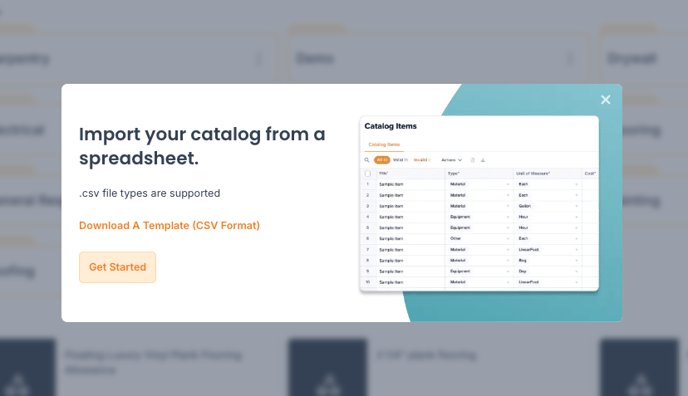
Step 1: Go to "Catalog"
Step 2: Click Item type tab and folder you want to import your items (Material, Labor, Subcontractor, Equipment, or Other)
Step 3: Click "Import"
Step 4: Confirm import location
Step 5: Download csv file template or click  to continue
Step 6:  or
or 
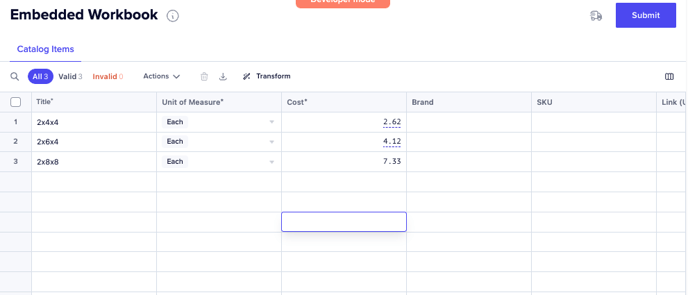 Step 7: Click "Submit" once item details are confirmed
For improved catalog organization, create folders and import relevant items directly to those folders.
Supported file types: .csv
If you have any issues or questions with your 'ConGenius Catalog Import', contact Customer Success through the chat in the app or by emailing help@congenius.com.